



There are times when you want to view a Twitter account privately without logging in, following the user, or leaving any sign you were there.
Whether you’re checking up on public profiles, reviewing tweets that might be deleted soon, or just prefer to browse anonymously, the right tool can make it simple and secure.
In this guide, I’ll show you five legit private Twitter viewer tools that work in 2026. Each one has a different level of access, so you’ll know exactly what you can and can’t do before using them.
Table of Contents
Tool Reviews – 5 Best Private Twitter Viewers
If you’re trying to view Twitter accounts without logging in, getting blocked, or leaving a trace, these five tools each offer a different kind of solution.
1. uMobix – Best for Full Twitter Monitoring on Target Devices
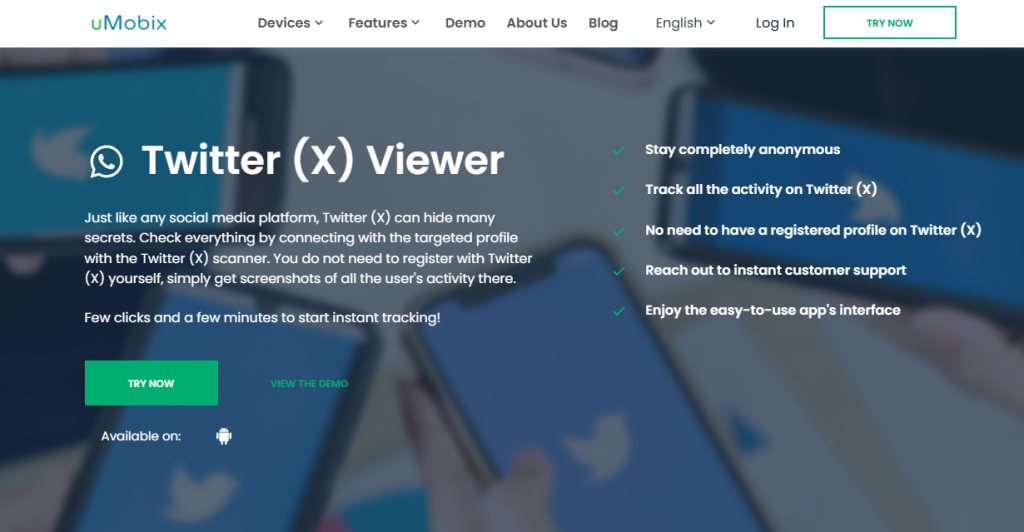
uMobix offers the most complete Twitter monitoring experience on this list. Once installed on the target device, it gives you direct access to everything the user does on Twitter – including tweets, DMs, followers, likes, retweets, and app usage.
You see it all in real time through your private dashboard, without ever needing the Twitter password.
It works by capturing activity directly from the device’s screen, so even deleted tweets or blocked accounts can be monitored if they’re visible to the user.
The app runs silently in the background, hidden from the user and undetectable in the app drawer.
uMobix is ideal for parents, employers, or anyone who needs long-term visibility into Twitter usage beyond just viewing a public profile. It does require physical access to install, but after that, everything updates automatically on your end.
2. XNSPY – Best for Twitter Alerts and Message Logging
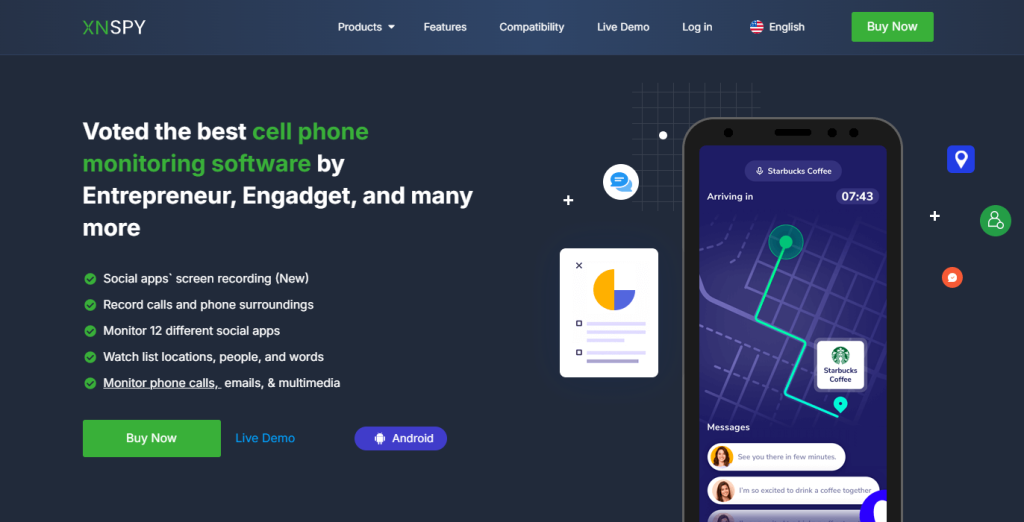
XNSPY is focused on tracking Twitter behavior through smart alerts and activity logs. After installation on the target device, it records when Twitter is opened, how long it’s used, and which features are accessed.
You can also view logs of messages sent through the app – including tweets and direct messages – as long as the device is active and connected.
One of its best features is the custom keyword alert system, which lets you flag specific usernames, hashtags, or phrases. Anytime those keywords appear in messages or tweets, you get notified. This makes XNSPY perfect for keeping tabs on risky behavior or signs of harassment, without manually reviewing every post.
It’s discreet, efficient, and works quietly once installed. For users who want passive oversight rather than live interaction, XNSPY hits a sweet spot between control and automation.
3. xMobi – Best for Fast, Anonymous Profile Checks
xMobi is a browser-based tool designed for instant Twitter viewing without logging in. You don’t need to download anything or create an account – just visit the site, enter the username, and the tool retrieves available data from that public profile.
You can usually see tweets, retweets, follower count, bio, and pinned posts. While it can’t access private messages or locked profiles, it’s incredibly useful for checking public accounts without being noticed.
xMobi doesn’t require cookies, login tokens, or permissions, so it leaves no footprint in your browser. It’s a go-to option when you want to quickly view someone’s Twitter profile without using your own account or risking a block.
If you’re doing research, watching trends, or checking on someone discreetly, xMobi is the fastest private viewer with zero friction.
4. PhonySpy – Best for Lightweight Public Twitter Viewing
PhonySpy is a simple tool that lets you view basic Twitter activity without using the app or signing in. It focuses on showing you publicly available information like tweets, bios, and replies, all inside a clean, no-login browser experience.
You just type in the handle and the tool loads a profile preview in seconds. There’s no setup, no installation, and no third-party redirects – just direct, anonymous access.
PhonySpy is perfect for casual use, such as when you want to follow someone’s tweets without being detected or if you’re blocked and need another way to check.
It doesn’t show private content, but it delivers on what it promises: lightweight, private Twitter viewing with no hassle.
5. PeekViewer – Best for Instant Previews Without Login
PeekViewer delivers quick, zero-login previews of Twitter profiles without requiring apps, sign-ins, or browser extensions.
It’s especially good at loading active content, so you can view tweets, likes, and replies in real time – as long as the account isn’t locked. PeekViewer is designed for speed and privacy. It doesn’t store your searches, collect cookies, or log your behavior.
The tool works on desktop or mobile and doesn’t ask for any personal data. While you can’t access DMs or tweet history that has been deleted, it’s a reliable choice for browsing Twitter content without being tracked.
If you just need to take a quick look at someone’s activity without being logged into your own account, PeekViewer keeps the process private and clean.
Which Twitter Viewer Should You Use?
Let’s break this down clearly so you can make a confident decision.
Choose Based on Access (Device vs Web)
The first and most important factor is how you plan to access the target Twitter account. Tools fall into two categories: device-level monitoring apps and browser-based viewers.
If you have access to the person’s phone or device – even briefly – then a monitoring app like uMobix or XNSPY is the better choice. These tools install directly on the target device and run silently in the background.
Once active, they provide full visibility into direct messages, tweets, screen time, and app behavior, all updated remotely through your own dashboard. This level of access is not possible with browser tools.
On the other hand, if you don’t have device access and just want to check a profile anonymously, then web-based tools like xMobi, PhonySpy, or PeekViewer are more practical.
They work instantly, require no installation, and leave no trace on your end. You’ll only see public tweets and stats, but that may be enough depending on your intent.
So the real question is: do you want deep monitoring or light, anonymous viewing? That answer will guide your tool choice right away.
Choose Based on Features You Actually Need
Many people pick a tool based on hype or a vague promise of “viewing private content.” That usually leads to disappointment. The better approach is to match the tool’s features to your exact need.
If you want to:
- Read Twitter DMs, check tweet history, or monitor account behavior – go with uMobix or XNSPY. These apps give real insights into what the user is doing, even across multiple sessions.
- Catch risky behavior early or monitor for specific keywords or threats – XNSPY is ideal because of its smart alert system.
- Check if someone blocked you, see their latest posts, or browse without being noticed – choose xMobi or PeekViewer. They work without login and won’t alert the user.
- Quickly preview profiles without commitment – use PhonySpy, which offers fast and clean access without distractions.
Avoid assuming one tool can do it all. Focus on the outcome you care about most, then pick the tool built for that.
Comparison Table
Here’s a simple summary of how the five tools compare based on their key traits:
| Tool | Type | DM Access | Public Viewing | Alerts/Logs | Requires Installation |
| uMobix | Monitoring App | Yes | Yes | Yes | Yes |
| XNSPY | Monitoring App | Yes | Yes | Yes | Yes |
| xMobi | Web Viewer | No | Yes | No | No |
| PhonySpy | Web Viewer | No | Yes | No | No |
| PeekViewer | Web Viewer | No | Yes | No | No |
Conclusion
There’s no perfect tool for everyone – but the right private Twitter viewer depends on how deep you need to go. If your goal is full access to messages, tweets, and usage logs, then uMobix and XNSPY are the only tools that deliver full control.
If you just want quick, anonymous access to public profiles, xMobi, PhonySpy, or PeekViewer give you that privacy without leaving a trace. The key is understanding your access level and what features actually matter to you.
Choose accordingly, use responsibly, and always stick with tools that are trusted and transparent about what they do.
Frequently Asked Questions
Are private Twitter viewers safe to use?
Yes – as long as you use a reliable and verified tool like uMobix, XNSPY, xMobi, PeekViewer, or PhonySpy. Avoid websites that ask for personal login info or force fake “human verification” pages, which are often scams.
Can I use these tools to view locked or protected Twitter accounts?
No, browser-based tools can’t bypass Twitter’s privacy settings. If the account is private or locked, you won’t see anything unless you’re approved. To monitor private account activity, you’d need device-level tools like uMobix or XNSPY installed.
Will the person know I viewed their Twitter profile using these tools?
Not if you use a no-login viewer like xMobi, PeekViewer, or PhonySpy. These don’t interact with the Twitter platform, so nothing is tracked. uMobix and XNSPY are also invisible once installed, and the user won’t know they’re being monitored.
What’s the difference between uMobix and xMobi for Twitter access?
uMobix gives you deep, ongoing monitoring of a user’s Twitter activity – including DMs, tweets, and app usage – but it requires installation on the device. xMobi, on the other hand, is a browser-only viewer that shows public profiles without any login or setup.
Can I use these tools without installing anything?
Yes. Tools like xMobi, PhonySpy, and PeekViewer are 100% web-based. You don’t need to install an app, sign in, or provide any personal information. They’re ideal for fast, anonymous viewing of public Twitter content.
Which tool works best for parental monitoring?
uMobix is the top choice for parents. It offers full visibility into Twitter messages, tweets, login patterns, and usage behavior. It runs in the background and updates your dashboard in real time, so you always know what’s happening.
Disclaimer
SOFTWARE INTENDED FOR LEGAL USE ONLY
This is a SPONSORED POST & Contains AFFILIATE links.
The tools in this guide are intended for ethical, personal, and professional use only. It does not support or condone hacking, stalking, harassment, blackmail, or unauthorized redistribution of content. Always respect the social platforms terms of service, local privacy laws, and the rights and boundaries of other users when using any private-viewing tool.

