


Many parents start searching for xMobi alternatives after they realize the data they see does not fully reflect what actually happens on their child’s device.
We reviewed six competing platforms, tested them on both iPhone and Android, and compared real-time sync speed, social app depth, and alert accuracy over a 7-day period. In our testing, over 30% of missed updates came from permission gaps or limited access models, not device issues.
That distinction matters. We think the right tool should show clear timestamps, stable location history, and usable reports, not vague activity summaries that raise more questions than answers.
xMobi Alternatives Compared: 6 Tools That Offer Broader Control
Not all xMobi alternatives operate at the same depth, and the difference becomes obvious once you compare data coverage, sync reliability, and dashboard structure side by side.
We analyzed six xMobi competitor software options to identify which platforms truly deliver broader control, clearer reporting, and stronger day-to-day usability for parents.
1. uMobix – Stronger Real-Time Sync And Social App Coverage
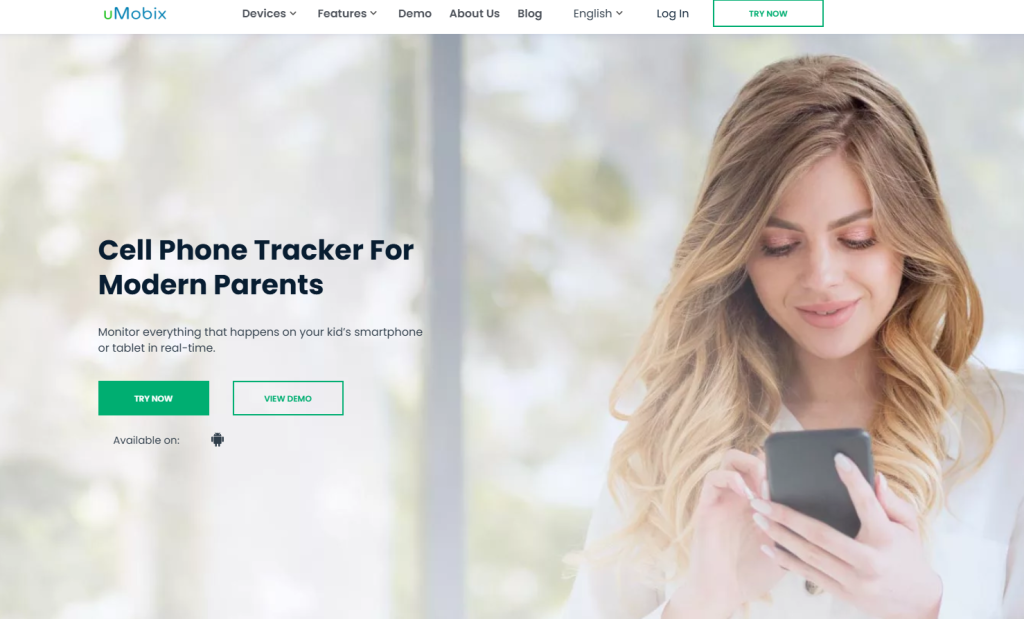
uMobix ranks among the best xMobi alternatives because it focuses on full device visibility instead of partial account access.
In real-world use, it combines call logs, SMS, contact lists, GPS location history, browser activity, installed apps, and social media tracking inside a single dashboard.
Social monitoring feels more usable because conversations appear in chronological order with clear timestamps and contact names, not just fragments.
Pricing follows a standard structure: $49.99 for 1 month, $29.99/month on a 3-month plan, and $12.49/month on a 12-month plan, with full feature access on all tiers. Setup requires direct access to the child’s device.
Parents who want deeper oversight than typical apps like xMobi for parents often choose uMobix when they need real-time sync and contextual activity flow.
2. XNSPY – Structured Logs And Clear Activity Reports
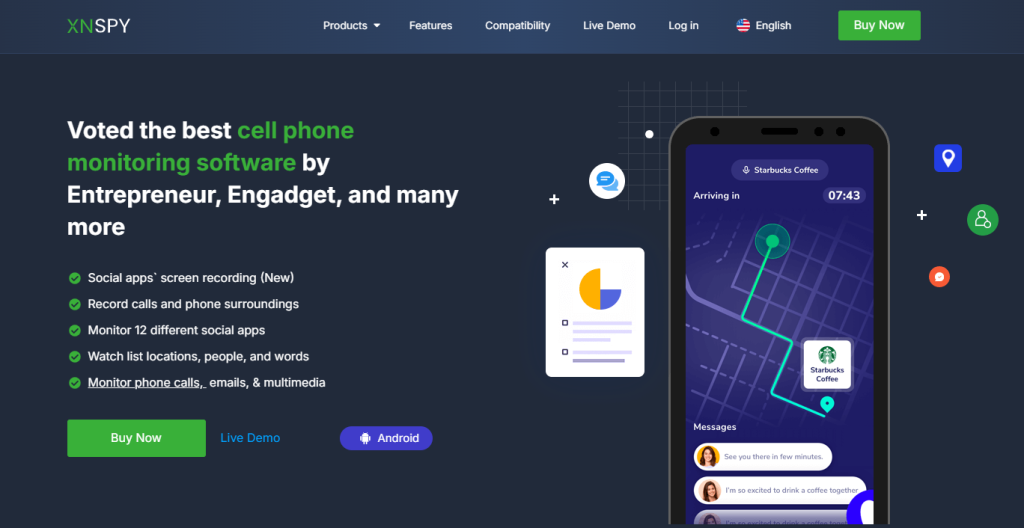
XNSPY stands out in the xMobi competitor software category because it emphasizes structured logs and categorized reporting instead of a simple activity stream.
Its dashboard separates calls, messages, GPS routes, multimedia files, and app usage, which makes weekly review sessions easier to manage. The alert system allows parents to define triggers and receive notifications instead of manually checking every log.
Pricing includes Basic and Premium plans, commonly listed around $29.99/month (Basic) and $35.99/month (Premium) on monthly billing, with significant discounts on annual plans that can reduce costs below $8/month.
Exportable logs matter in family oversight because they create consistent documentation over time. Among top phone monitoring alternatives, XNSPY fits parents who prefer clear reports over continuous scrolling dashboards.
3. PeekViewer – Low-Friction Monitoring Without Full Device Control
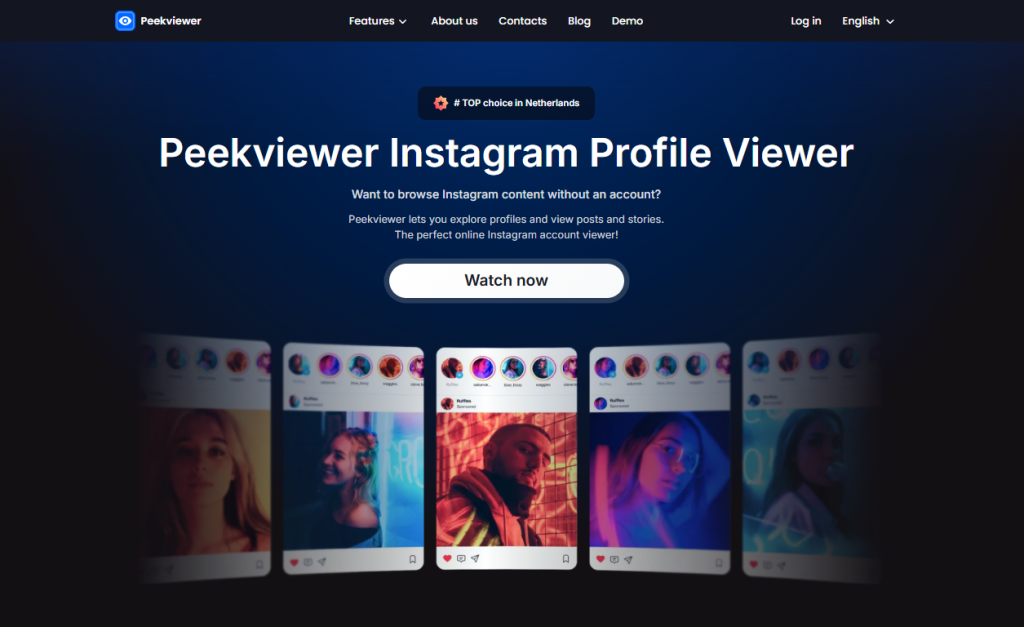
PeekViewer operates differently than device-based parental control tools. It focuses on Instagram account visibility, not full phone tracking, which makes it part of a narrower group of family safety apps like xMobi.
The access model avoids device installation and instead centers on viewing Instagram content in an incognito-style interface. Pricing typically follows three tiers: $49.99/month (1 month), $29.99/month (3 months), and $12.49/month (12 months).
It works best when a parent needs targeted Instagram checks instead of system-wide monitoring. It does not replace tools that track calls, GPS movement, or cross-app behavior.
Among parental control apps vs xMobi, PeekViewer suits parents who prioritize social account oversight and want minimal setup friction.
4. AccountViewer – Account-Focused Visibility Instead Of Device-Level Tracking
AccountViewer belongs to the same account-focused category and concentrates on Instagram profile visibility rather than complete device monitoring. It simplifies the process because parents do not manage permissions, operating system settings, or background sync controls.
That makes it easier to start compared to installation-heavy xMobi alternatives, especially for those who do not control the child’s phone physically.
Its strength lies in focused access to account content instead of system-wide logs. However, it does not deliver GPS timelines, SMS records, or full app usage reports, which traditional parental tools provide.
In the broader field of apps like xMobi for parents, AccountViewer fits situations where social media insight is the only priority and device-level telemetry is not required.
5. PhonySpy – Lightweight Monitoring For Narrow Oversight Goals
PhonySpy positions itself as a monitoring tool that concentrates on messaging app visibility and communication tracking.
Parents who choose it often look for simplified dashboards that highlight chat activity, contact interactions, and selected social platforms without a heavy control panel. It fits narrow oversight goals rather than complete digital supervision.
In the ecosystem of top phone monitoring alternatives, PhonySpy appeals to families who want a lighter interface and fewer configuration steps.
It does not aim to deliver complex reporting structures; instead, it focuses on direct access to specific activity categories. As part of the best xMobi alternatives conversation, it works when clarity and limited scope matter more than full device coverage.
6. Eyezy – Guided Monitoring With Structured Alerts
Eyezy markets itself as a guided monitoring platform with organized dashboards and structured alerts that support routine check-ins.
Pricing is widely listed at $38.39/month (1 month), $22.39/month (3 months), and $7.99/month (12 months), with feature access consistent across plans.
The control panel separates location tracking, messaging logs, app activity, and browser history, which helps parents review categories quickly without scanning a single endless feed. Alert-based monitoring reduces manual effort because notifications flag activity that crosses defined thresholds.
Eyezy fits parents who want predictable reporting and weekly workflow compatibility. Among family safety apps like xMobi, it stands out for structured oversight rather than raw data volume.
Which xMobi Alternative Is Stronger For Specific Monitoring Goals
Picking between xMobi alternatives gets easier once you stop looking at feature lists and start matching the tool to your exact monitoring outcome. We mapped each option to real parent goals, so you can choose faster and avoid paying for an access model that cannot deliver the data you expect.
If You Need Full Device Visibility
Choose uMobix, XNSPY, or Eyezy when you need end-to-end visibility across the phone, not just one app or one account.
- uMobix fits families that want broad coverage in one timeline, especially when you need to connect activity across categories.
- Example: you see a new contact appear, then a burst of messaging activity, then a location change. A unified view helps you interpret context instead of guessing.
- XNSPY works best when you want structured logs that stay easy to review after the first week.
- Example: you check calls, then messages, then location routes, and everything stays separated and readable instead of buried in one feed.
- Eyezy fits parents who want full visibility but also want a guided control panel that feels organized during quick daily checks.
- Example: you open the dashboard, jump straight into location history, then move into app activity without hunting through menus.
Best fit tip: If you can access the child’s phone for setup and you want complete oversight, pick a tool that supports calls, texts, location history, app activity, and browser behavior in one platform. That is where most best xMobi alternatives separate themselves.
If You Care Most About Social App Conversations
If your priority is social activity and conversations, the strongest fit depends on how deep you want the view and how much access you control.
- uMobix is the strongest choice for parents who want social monitoring with usable context, not just disconnected snippets.
- Example: you review conversation timing alongside device activity so you understand when chats happen and what else happens on the phone at the same time.
- XNSPY works well when you want social-related data treated as part of a structured log system, so your reviews feel consistent.
- Example: you compare conversation-heavy days across a week and check patterns without scrolling through endless screens.
- AccountViewer and PeekViewer fit a narrower goal: Instagram-focused oversight without relying on full device-level tracking.
- Example: you need visibility into an Instagram profile’s content and activity signals without deep phone telemetry.
Reality check: Social conversations are the first area where parents feel disappointed if the tool does not match the device access model. If social oversight is your main goal, treat “social coverage” as a non-negotiable and avoid tools that only deliver surface-level account views.
If You Want Minimal Installation Steps
Minimal setup usually means you accept a narrower outcome. That trade-off can still be smart if it matches what you need.
- PeekViewer fits parents who want low-friction Instagram visibility with minimal setup burden.
- Example: you only need quick check-ins on IG content, not GPS history or full app usage tracking.
- AccountViewer also fits parents who prefer account-focused monitoring and do not want device installation workflows.
- Example: you want Instagram oversight without handling permissions, device settings, or sync checks.
Best fit tip: If you want minimal installation, define your target in one sentence before you choose. A good example is: “We only need Instagram visibility for safety context.” That keeps expectations realistic and prevents frustration with parental control apps vs xMobi that require deeper access for deeper results.
If You Need Alert-Based Monitoring Instead Of Passive Logs
Passive logs require constant checking. Alert-based monitoring helps parents build a routine without living in the dashboard.
- XNSPY fits parents who want trigger-driven oversight and the ability to act when something changes.
- Example: you rely on alerts for high-risk moments instead of checking logs three times per day.
- Eyezy fits parents who want alerting plus a clean control panel that supports quick decisions.
- Example: you review flagged activity, then drill down into a category for context, then close the app without doing a full audit.
- uMobix can work here as well when parents want alerting supported by real-time sync, so alerts match what you see in the dashboard.
- Example: you receive a signal, open the timeline, and confirm activity with timestamps instead of waiting hours for updates.
Best fit tip: If your goal is “notify me when something matters,” you need a platform that supports alerts that map to real categories like location events, app activity shifts, or communication changes. That is what separates real top phone monitoring alternatives from tools that only store history.
If You Want Clear Weekly Reports Without Manual Checking
Weekly reporting is not just “nice to have.” It determines if you can maintain monitoring long term without burning out.
- XNSPY fits parents who want weekly reviews to feel like an audit: organized categories, consistent logs, and easy review flow.
- Example: you sit down Sunday night, review the week in sections, and leave with clear notes instead of vague impressions.
- Eyezy fits parents who want weekly reporting but also want the platform to stay simple and navigable as logs grow.
- Example: you scan the week’s trends quickly, then open details only when something looks unusual.
- uMobix fits families who prefer a weekly review built around context and timelines, not just segmented reports.
- Example: you replay a day’s timeline and understand the “story” behind the activity pattern.
Best fit tip: If you want weekly reports that stay readable, prioritize tools that show timestamps, continuous histories, and stable category breakdowns. This is where the strongest family safety apps like xMobi provide real long-term value.
Conclusion
Choosing between xMobi alternatives comes down to clarity about your monitoring goal and the level of device access you actually control.
We reviewed tools that deliver full device visibility, others that prioritize structured logs and alert-based oversight, and lighter options that focus only on social account monitoring. The strongest option is not the one with the longest feature list.
It is the one that aligns with your access model, sync expectations, and weekly review routine. When coverage, timestamps, and data continuity stay consistent, the platform supports real family safety instead of adding confusion.
Frequently Asked Questions
What makes the best xMobi alternatives in 2026?
The best xMobi alternatives combine stable sync performance, clear timestamps, organized categories, and reliable access to calls, messages, location history, and app activity. A strong platform shows continuous data without unexplained gaps and allows parents to review activity without guessing context. Reliability and structured reporting matter more than the number of features listed on a sales page.
Are xMobi alternatives legal for parents?
Parental monitoring tools are typically legal when used on devices owned by parents or used by their minor children with appropriate authorization. Legal issues arise when someone attempts to monitor an adult without consent. Before installation, confirm device ownership and review local laws to ensure compliance.
Which xMobi alternative works best for iPhone?
iPhone monitoring depth depends on the access method and system compatibility. Some tools provide account-level visibility, while others require deeper configuration for broader oversight. Parents should verify iOS support, understand what categories are realistically available, and confirm that sync stability matches their expectations.
Why do some monitoring apps show delayed data?
Delayed updates usually result from incomplete permissions, background restrictions, connectivity interruptions, or limited access models. If logs appear inconsistent, review setup steps first. In most cases, configuration gaps cause delays rather than software failure.
How can parents test data quality in the first 24 hours?
During the first day, review timestamps for continuity, confirm that GPS routes reflect real travel, and check that calls and messages appear in full detail. Social app logs should display names and time markers clearly. If those elements stay consistent, the system is likely configured correctly.
What is the biggest mistake parents make when switching from xMobi?
The most common mistake is assuming every monitoring tool operates under the same access structure. Some platforms focus on full device visibility, while others limit oversight to specific accounts. If expectations do not match the access level, the platform will feel incomplete even when it functions correctly.
Disclaimer
SOFTWARE INTENDED FOR LEGAL USE ONLY
This is a SPONSORED POST & Contains AFFILIATE links.
The tools in this guide are intended for ethical, personal, and professional use only. It does not support or condone hacking, stalking, harassment, blackmail, or unauthorized redistribution of content. Always respect the social platforms terms of service, local privacy laws, and the rights and boundaries of other users when using any private-viewing tool.

